WHAT THE FILE IS FOR
From download to blade.
The SVG that leaves this page is sized and layered for real cutting — vinyl, HTV, stickers, layered cardstock.
ONE ARTWORK
One credit per decal
Preview free, pay only when the preview is worth cutting. One credit covers the layered SVG, transparent PNG, DXF and PDF.
WHAT THE OUTPUT LOOKS LIKE
Mountains and a setting sun
A single-colour decal generated from one sentence. The preview shows the exact path the blade will follow.
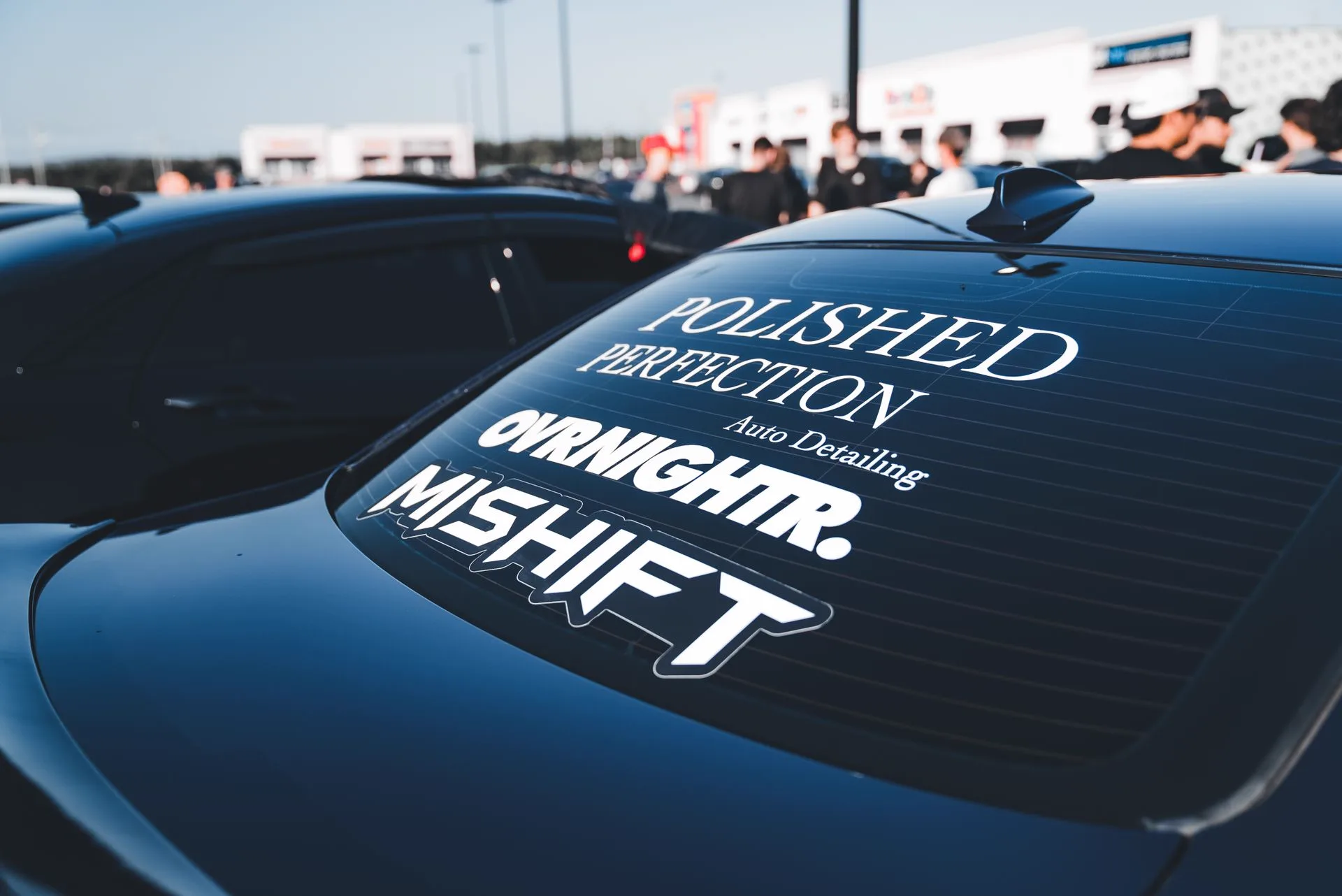
Real-world reference
The kind of physical piece this template is built for.

Vector output — Mountains and a setting sun
Generated example · 6 colour groups · 107 closed paths · 92 KB
File details and what to expect
SVG · 1 layer · 42 paths · min stroke 1.4 mm
ANOTHER SCENE TO EXPLORE
One photo or two. Find your format.
THE OFFER, WITHOUT GUESSWORK
Product facts at a glance
| Layers | 1 |
|---|---|
| Formats | SVG, PNG, DXF, PDF |
| Canvas | 12 × 12 in |
| Min stroke | 1.4 mm |
| Weeding | Bridges auto-joined |
Reviewed by the AISVG Pro editorial team · Updated 2026-10-23 · Stroke widths are starting points, not a guarantee for every blade and material. How we check files.
WRITING A GOOD PROMPT
Name the subject. Name the style.
Decal prompts work best when they describe a silhouette first and decoration second. Vague moods produce fuzzy edges that cannot be cut.
Choose
- One clear subject — an animal, an object, a landscape line
- An explicit style — "line art", "solid silhouette", "thick outline"
- A composition hint — "centred", "wide format", "circular badge"
Avoid
- Photorealistic texture or gradients
- Multiple unrelated subjects in one prompt
- Text you have not proofread — spelling is final
Anything with a gradient or soft shadow will be flattened to a single colour. Check that the silhouette still reads.
FROM PROMPT TO CUTTER
What happens after you press generate
- 01
Generate
The prompt goes to the vector engine and comes back as raw paths.
- 02
Clean
Fragments are removed, nodes simplified and thin strokes widened to the template minimum.
- 03
Preview
You see the path preview with the layer count and the minimum stroke measurement.
- 04
Download
One credit unlocks SVG, PNG, DXF and PDF for this artwork.
Generation usually takes 20–60 seconds. Keep the same browser open to retrieve the download.
Will it cut cleanly on a Cricut Joy?
Can I get two colours in one decal?
Does the decal include text?
USEFUL ANSWERS
Before you cut
CUT-READY VS GENERIC
What does "cut-ready" actually mean for an SVG file?
A traced image and a cut-ready file are not the same thing. The five checks that separate them, and the numbers we print before you pay.
CUT-READINESS
How to tell if an SVG is actually cut-ready
Six checks that separate a file you can cut from a preview that only looks finished.
INPUT GUIDE
Writing a prompt that produces a cuttable shape
What to say, what to leave out, and why "flat" and "bold" matter more than adjectives.