WHAT THE FILE IS FOR
From download to blade.
The SVG that leaves this page is sized and layered for real cutting — vinyl, HTV, stickers, layered cardstock.
ONE MANDALA
One credit per design
The pack includes the clean single-layer mandala and a simplified variant for smaller cutters.
WHAT THE OUTPUT LOOKS LIKE
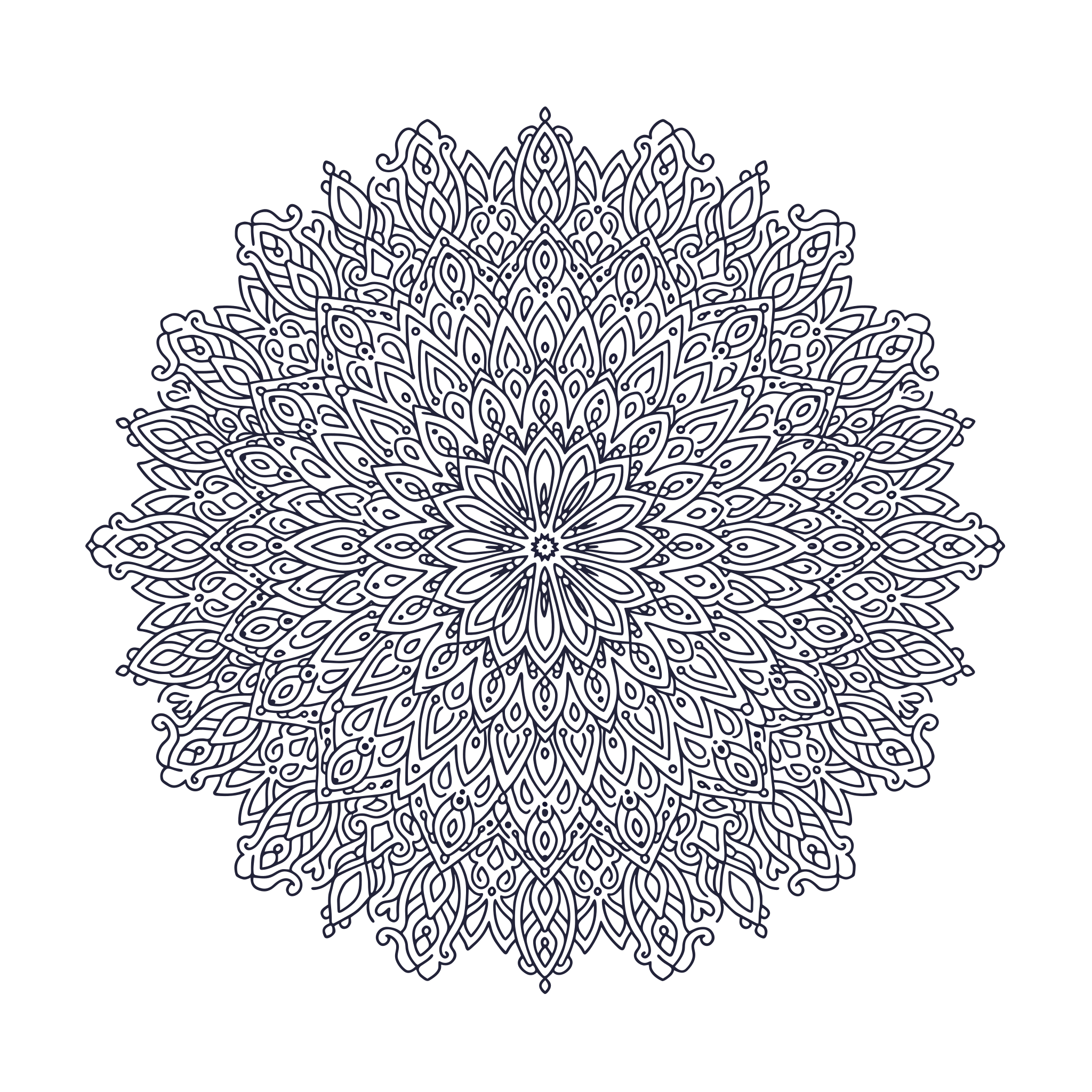
Eight-petal mandala
One petal drawn once and rotated eight times, with the centre mark left for alignment.
Real-world reference
The kind of physical piece this template is built for.
Vector output — Eight-petal mandala
Generated example · 15 colour groups · 1,334 paths · 12-fold symmetry
File details and what to expect
SVG · 1 layer · 96 paths · centre mark
ANOTHER SCENE TO EXPLORE
One photo or two. Find your format.
THE OFFER, WITHOUT GUESSWORK
Product facts at a glance
| Symmetry | 6 / 8 / 12 fold |
|---|---|
| Layers | 1 |
| Canvas | 10 in diameter |
| Detail | Density warning |
| Formats | SVG, PNG, DXF, PDF |
Reviewed by the AISVG Pro editorial team · Updated 2026-10-23 · Stroke widths are starting points, not a guarantee for every blade and material. How we check files.
DETAIL VERSUS YOUR BLADE
Fine lines are a choice.
A mandala is the fastest way to find the limit of your blade. Start at medium density, cut once, then decide whether finer detail is worth the weeding time.
Choose
- A fold count — 6 for bold, 8 for balanced, 12 for fine
- A density word — "sparse", "medium", "dense"
- A motif family — botanical, geometric, celestial
Avoid
- Dense detail on a small canvas
- Patterns with disconnected floating rings
- Paper-thin materials for a first try
The preview flags any region where the gap between cuts falls under 1 mm, which is where vinyl usually tears.
FROM PATTERN TO PIECE
What happens after you press generate
- 01
Generate
One petal is drawn and rotated to the fold count you chose.
- 02
Measure
Gaps and stroke widths are measured region by region.
- 03
Warn
Any region below the cut minimum is flagged in the preview.
- 04
Download
One credit unlocks the full-detail and simplified versions.
Cut a 2-inch test piece before committing a full sheet — detail that survives the preview can still tear in weeding.
Why does the preview warn about density?
Can I choose any fold count?
Is the mandala one layer?
USEFUL ANSWERS
Before you cut
CUT-READY VS GENERIC
What does "cut-ready" actually mean for an SVG file?
A traced image and a cut-ready file are not the same thing. The five checks that separate them, and the numbers we print before you pay.
CUT-READINESS
How to tell if an SVG is actually cut-ready
Six checks that separate a file you can cut from a preview that only looks finished.
LAYERED FILES
Layered SVG files: order, registration and drift
Why the third layer never lines up, and how registration marks and cut order prevent it.