WHAT THE FILE IS FOR
From download to blade.
The SVG that leaves this page is sized and layered for real cutting — vinyl, HTV, stickers, layered cardstock.
ONE DESIGN
One credit per shirt design
The pack includes the mirrored copy and the layer order sheet — the two things people forget until the vinyl is already on the mat.
WHAT THE OUTPUT LOOKS LIKE
Retro sun badge
A three-colour badge generated from one sentence, with the mirrored copy and press order ready beside it.
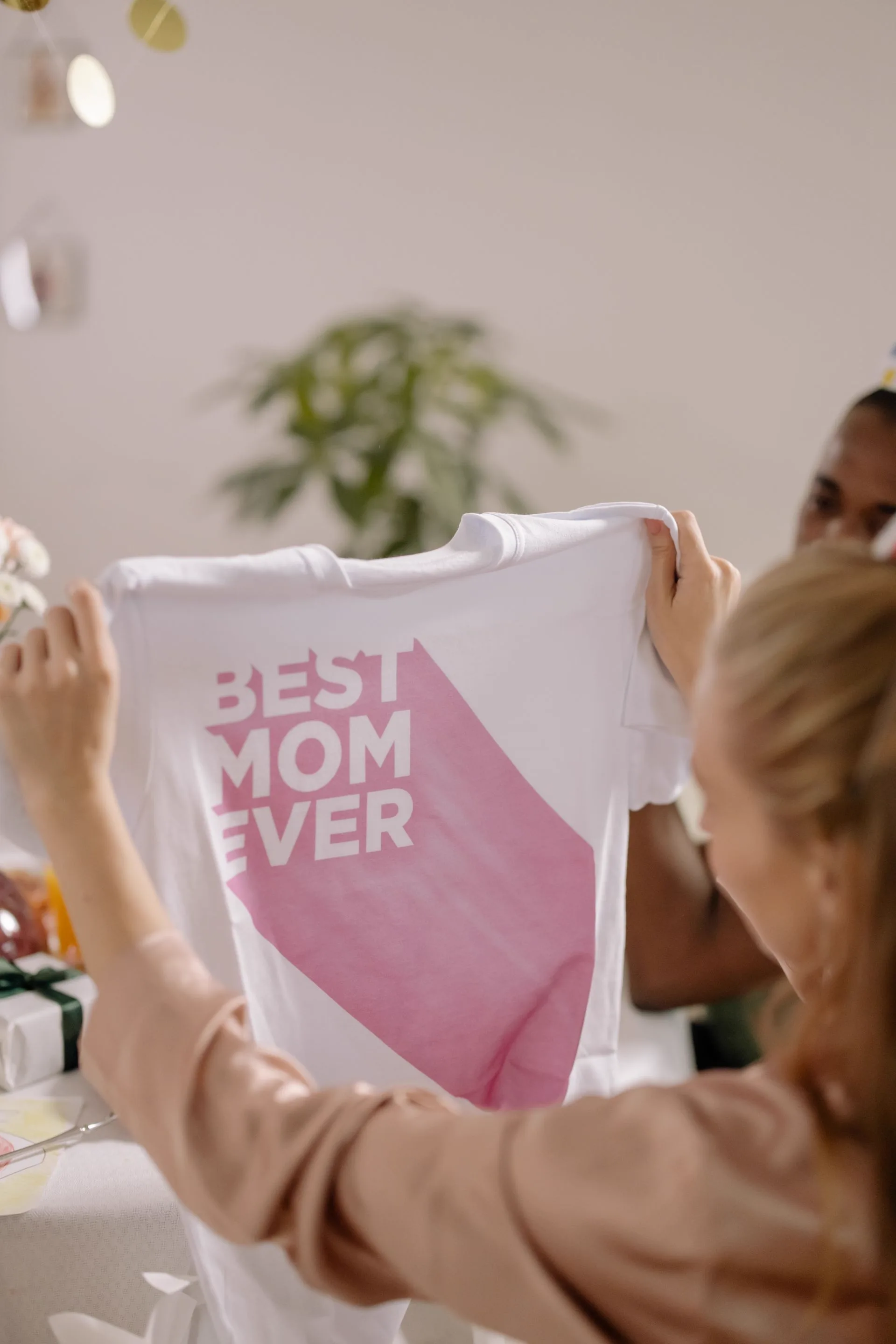
Real-world reference
The kind of physical piece this template is built for.
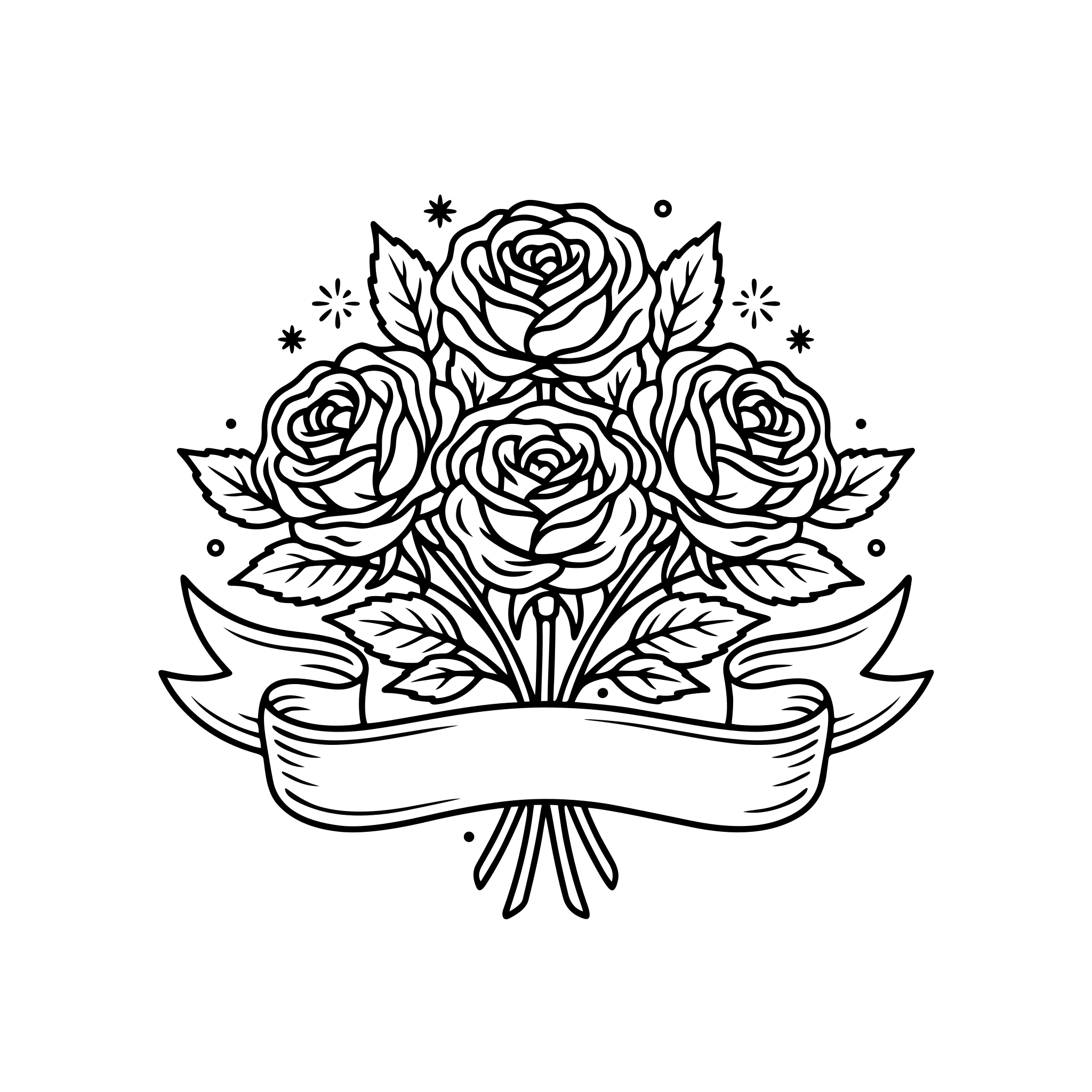
Vector output — Retro sun badge
Generated example · 4 colours · 181 paths · mirror-ready linework
File details and what to expect
SVG · 3 layers · 28 paths · mirrored variant
ANOTHER SCENE TO EXPLORE
One photo or two. Find your format.
THE OFFER, WITHOUT GUESSWORK
Product facts at a glance
| Layers | 2–3 |
|---|---|
| Formats | SVG, PNG, DXF, PDF |
| Canvas | 10 × 12 in press area |
| Mirror | Included |
| Order | Numbered per colour |
Reviewed by the AISVG Pro editorial team · Updated 2026-10-23 · Stroke widths are starting points, not a guarantee for every blade and material. How we check files.
PLANNING THE STACK
Decide the garment colour first.
Contrast is decided before generation, not after. Name the shirt colour in the prompt and the template will keep the palette readable on it.
Choose
- Name the garment colour in the prompt
- Keep to two colours for first attempts
- Use solid shapes — HTV has no gradients
Avoid
- Four or more colours in one press
- Hairline strokes under 2 mm
- Light-on-light combinations
Every HTV layer adds press time and alignment risk. Fewer colours almost always look better on a shirt.
FROM PROMPT TO PRESS
What happens after you press generate
- 01
Generate
The design is generated with a three-colour ceiling applied up front.
- 02
Separate
Each colour becomes its own layer, numbered in press order.
- 03
Mirror
A mirrored copy is produced automatically for the transfer.
- 04
Download
One credit unlocks the full pack including the order sheet.
Press time depends on your vinyl brand — follow the manufacturer sheet, not the template.
Do I need a heat press or can I use an iron?
Why is the design limited to three colours?
Is the mirrored copy a separate file?
USEFUL ANSWERS